Presence
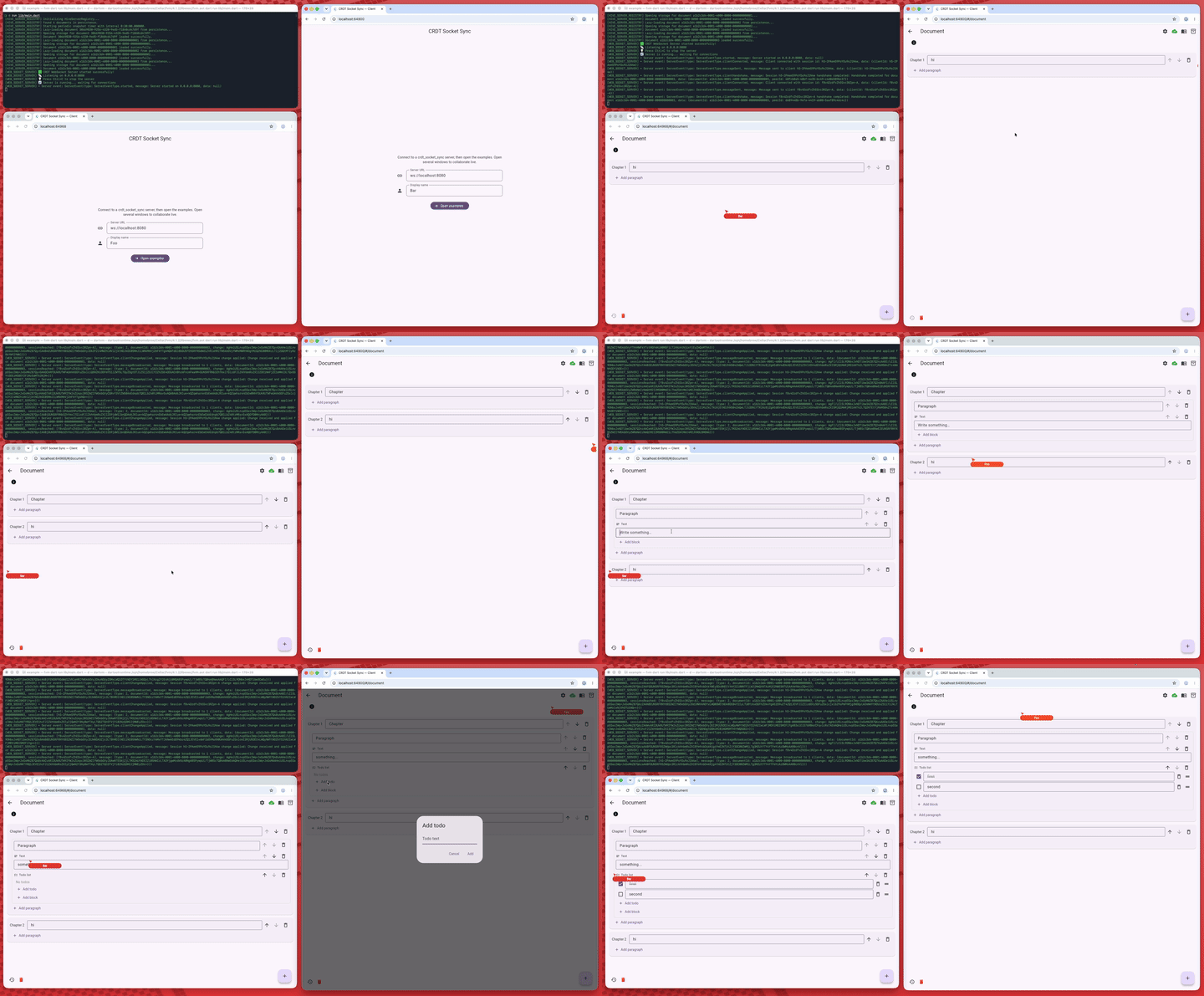
CrdtAwarenessCursorsOverlay draws the other peers' mouse pointers (an
arrow and a name bubble) over any pane. It is the presence counterpart of the
text cursors inside a field.
It does not depend on a transport. You map your presence channel (for example
the awareness plugin) to
CrdtAwarenessCursors, and publish what onLocalPointer reports. Positions are
normalized into [0, 1], so a cursor lands in the same place on any window
size.
CrdtAwarenessCursorsOverlay(
  cursors: remotePointers, // List<CrdtAwarenessCursor> from presence
  onLocalPointer: (position, {required hovering}) =>
      publishPresence(position, hovering),
  child: pane,
);
Three layers
The overlay is made of three pieces, all exported, so you can use exactly the layer you need:
CrdtAwarenessCursorsBuilder: positions each pointer over the pane and reports the local pointer, but leaves the look of each cursor to abuilder. Use it to draw a custom marker (an avatar, a badge, …) for each cursor.CrdtAwarenessCursorMarker: the default marker (arrow + name bubble) for one cursor, on its own.CrdtAwarenessCursorsOverlay: the two above, combined.
Styling
The marker is styled like a Container: pass a plain color for the common
case, or a full CrdtAwarenessCursorStyle (its color, the label text
style and the marker sizes) when you need more. Passing both is an error.
Pass a style to CrdtAwarenessCursorsOverlay to restyle every cursor at once,
or set CrdtAwarenessCursor.style for one peer. In the overlay, the peer's own
color always wins over the style's, so peers keep their identity color.
CrdtAwarenessCursorsOverlay(
  cursors: remotePointers,
  style: const CrdtAwarenessCursorStyle(
    pointerSize: 22,
    labelStyle: TextStyle(fontSize: 12, color: Colors.white),
  ),
  child: pane,
);