Getting started
Install
Add the engine to your package:
dart pub add crdt_lf # or: flutter pub add crdt_lf
crdt_lf is pure Dart: it runs on the Dart VM, in Flutter on every platform,
and on the web.
Your first document
A CRDTDocument holds the data. A handler is one value inside it — a text,
a list, a map — with the operations for that kind of data.
import 'package:crdt_lf/crdt_lf.dart';

void main() {
  final doc = CRDTDocument();

  // A collaborative text, stored under the id 'note'.
  final text = CRDTFugueTextHandler(doc, 'note');

  text.insert(0, 'Hello');
  text.delete(0, 2); // deletes "He"

  print(text.value); // llo
}
Every edit is recorded in the document as a change. Changes are what peers send to each other.
Two peers, one result
Each peer has its own document. Here the two documents live in one program; in an app they live on two devices, and the changes travel over the network.
final alice = CRDTDocument();
final bob = CRDTDocument();

// The same handler id on both peers: it is the same text.
final aliceText = CRDTFugueTextHandler(alice, 'note');
final bobText = CRDTFugueTextHandler(bob, 'note');

aliceText.insert(0, 'Hello world');
bob.importChanges(alice.exportChanges()); // Bob now reads "Hello world"

// Both edit at the same time, with no connection.
aliceText.insert(0, 'Big ');
bobText.insert(11, '!');

// They meet again and exchange what the other is missing.
bob.importChanges(alice.exportChanges());
alice.importChanges(bob.exportChanges());

stdout
  ..writeln(aliceText.value) // Big Hello world!
  ..writeln(bobText.value); // Big Hello world!
Importing the same change twice does nothing, so a peer can send everything it
has without keeping track of what the other side already saw. In a real app
crdt_socket_sync does this exchange for you.
Live examples
- Greyhound Markdown: a real-time collaborative markdown editor. Open it on two devices and join the same room.
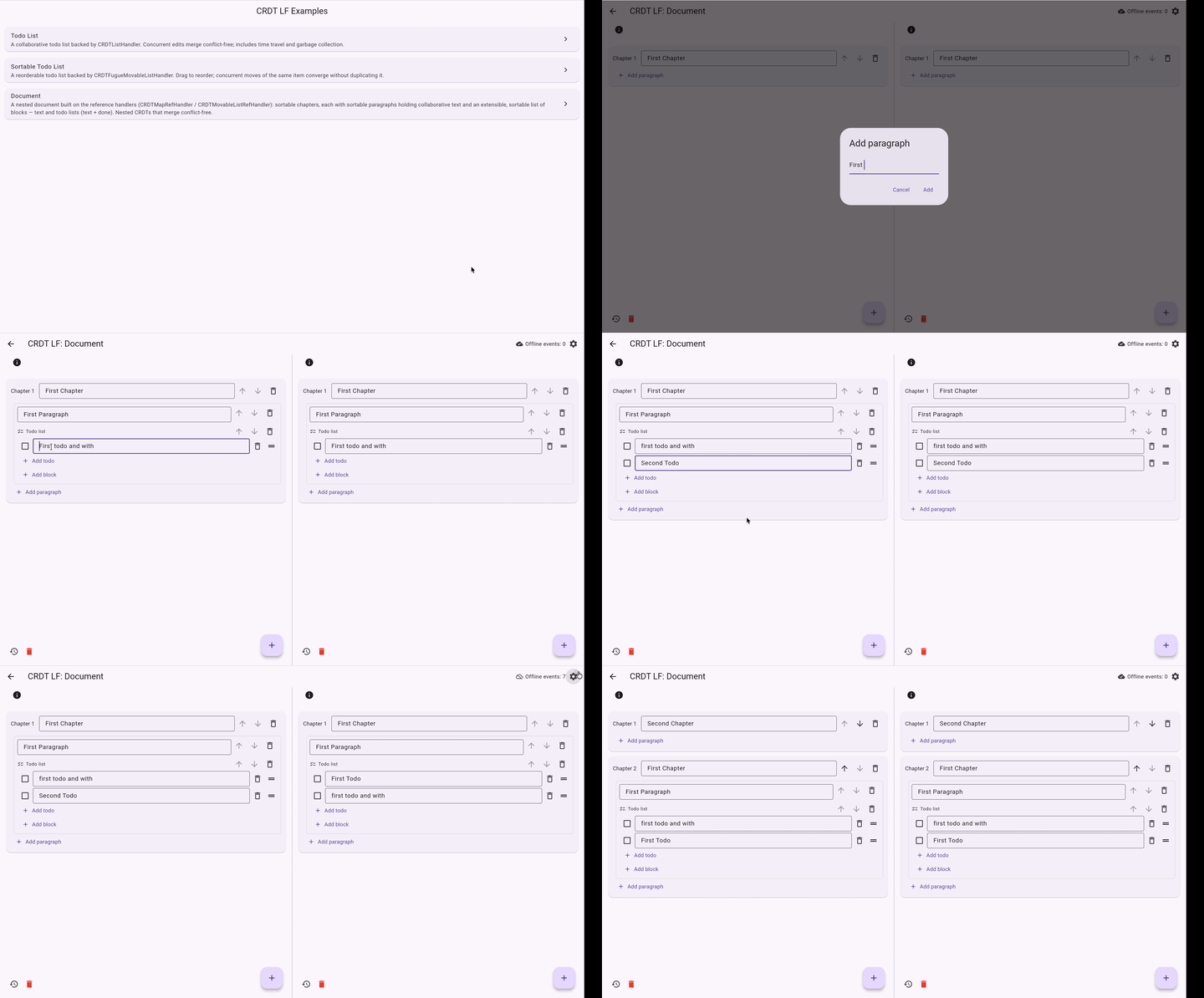
- Flutter examples: every handler on two simulated peers, in the browser.